

Find the right tool to create with.

Honest reviews, side-by-side comparisons, and simple guides for every major photo editing and design app — from Photoshop to GIMP.

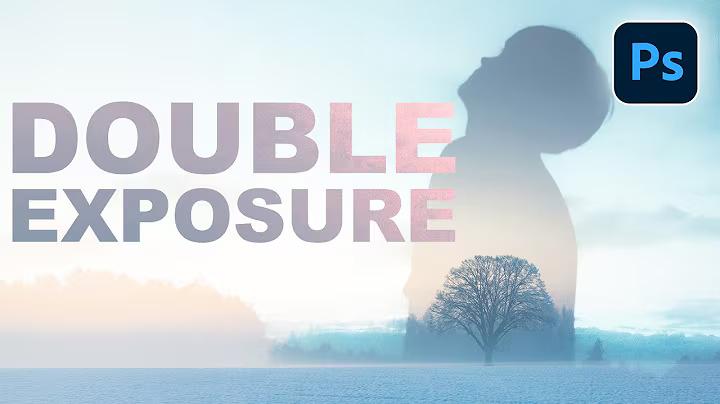
Photoshop

Photoshop

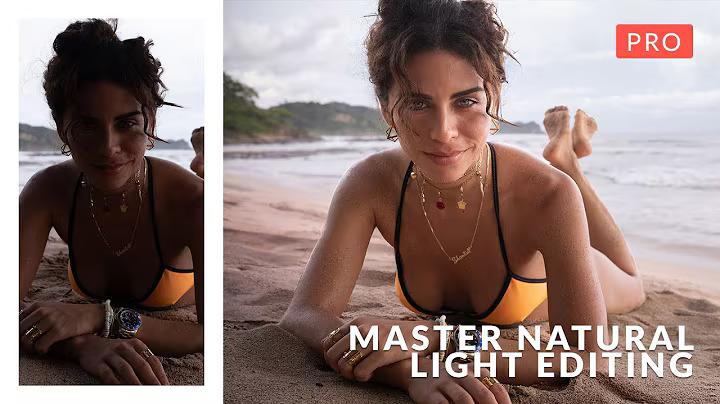
Lightroom

Lightroom

VSCO

VSCO

CapCut

CapCut

Snapseed

Snapseed

Canva

Canva

Affinity

Affinity

GIMP

GIMP

Luminar

Luminar

Software directory

12 tools, every level, every budget.

From free open-source editors to professional subscription suites — here's everything you need to know before you download.

Adobe

Adobe Photoshop

From free open-source editors to professional subscription suites — here's everything you need to know before you download.

Adobe

Adobe Lightroom

Non-destructive photo management and editing built for photographers. Powerful colour grading, preset systems, and cloud sync across all your devices.

Mobile

VSCO

A mobile-first creative app beloved for its film-inspired preset filters. Ideal for photographers who want consistent, aesthetic edits straight from their phone.

Mobile

CapCut

A fast, beginner-friendly video and photo editor with powerful AI tools. A favourite among social media creators for its templates, effects, and ease of use.

Google

Snapseed

Google's free mobile editing powerhouse. Features selective adjustments, healing tools, and a stacked edit history — surprisingly capable for a free app.

Design

Canva

A drag-and-drop design platform built for non-designers. Thousands of templates for social media, presentations, and print — powerful tool.

Serif

Affinity Photo

A professional Photoshop alternative with a one-time purchase price. Full RAW editing, layer support, and advanced retouching without a monthly subscription.

Free

GIMP

The most capable free, open-source image editor available. A steep learning curve rewards you with Photoshop-level tools at zero cost — ideal for budget-conscious creators.

AI-first

Luminar Neo

An AI-powered photo editor focused on speed and automation. Sky replacement, portrait retouching, and scene enhancement with minimal manual effort.

Pro

Capture One

The professional's choice for RAW processing and tethered shooting. Superior colour science and fine-tuned controls preferred by studio and commercial photographers.

Corel

Corel PaintShop Pro

A Windows-native photo editor with a long history and loyal user base. Solid AI tools, layer editing, and script automation at a competitive one-time price.

Free

Darktable

A free, open-source Lightroom alternative with a powerful non-destructive workflow. Beloved by RAW photographers who want full control without the subscription cost.

LIGHTROOM VSCO CAPCUT SNAPSEED CANVA AFFINITY PHOTO GIMP LUMINAR NEO

Head-to-head

Software comparisons that cut to the chase.

Which app wins for your workflow? We break down the real differences so you don't have to spend hours testing yourself.

Photopea vs Adobe Photoshop: Which Tool Should You Choose in 2026?

Choosing the right photo editing software today depends on your budget, workflow,

GIMP vs Adobe Photoshop: Which Photo Editing Tool Should You Choose?

Choosing the right photo editing software can significantly impact your workflow, creativity,

Adobe Photoshop vs Canva: Which Tool Is Better for Design and Editing?

Choosing the right design tool today depends on your workflow, skill level,

Capture One vs Canva: Which Tool Is Better for Editing and Design?

Choosing the right creative tool today depends on what you actually need—professional

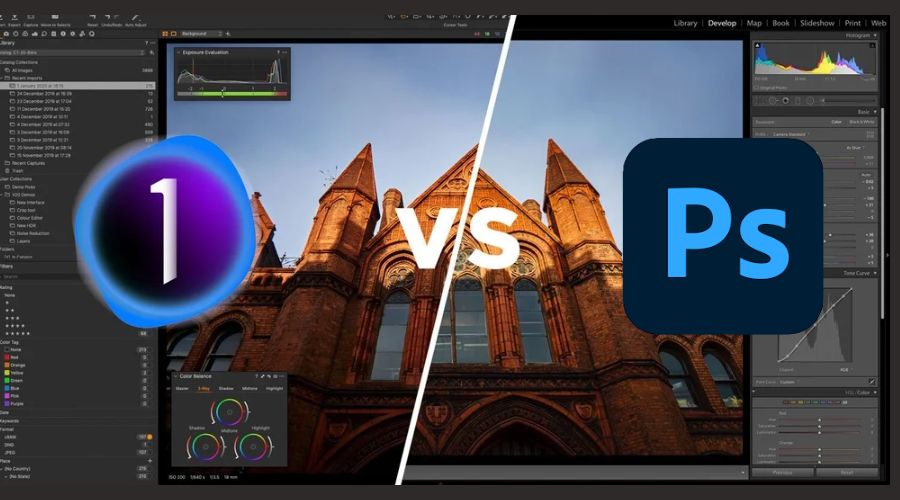
Adobe Photoshop vs Capture One: The Ultimate Comparison Guide (Which One Is Better in 2026?)

Choosing the right photo editing software is no longer just about basic

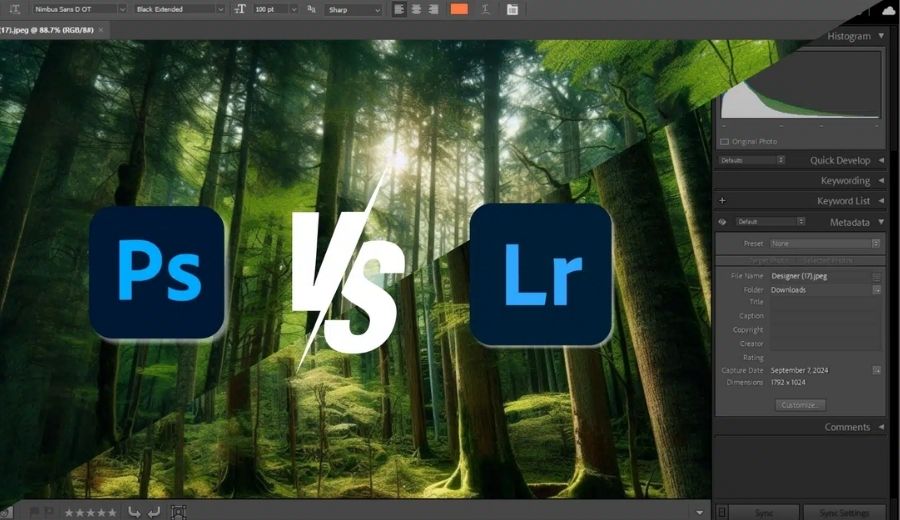
Not sure whether to choose Photoshop or Lightroom? Explore features, use cases, and expert…

Photo

Adobe Photoshop vs Canva — power tool vs people's tool

Photoshop does everything; Canva does enough — fast. Here's an honest breakdown of which tool wins depending on your skill level and use case.

Adobe Photoshop vs Canva — power tool vs people's tool

Photoshop does everything; Canva does enough — fast. Here's an honest breakdown of which tool wins depending on your skill level and use case.

Adobe Photoshop vs Canva — power tool vs people's tool

Photoshop does everything; Canva does enough — fast. Here's an honest breakdown of which tool wins depending on your skill level and use case.

Adobe Photoshop vs Canva — power tool vs people's tool

Photoshop does everything; Canva does enough — fast. Here's an honest breakdown of which tool wins depending on your skill level and use case.

Adobe Photoshop vs Canva — power tool vs people's tool

Photoshop does everything; Canva does enough — fast. Here's an honest breakdown of which tool wins depending on your skill level and use case.