
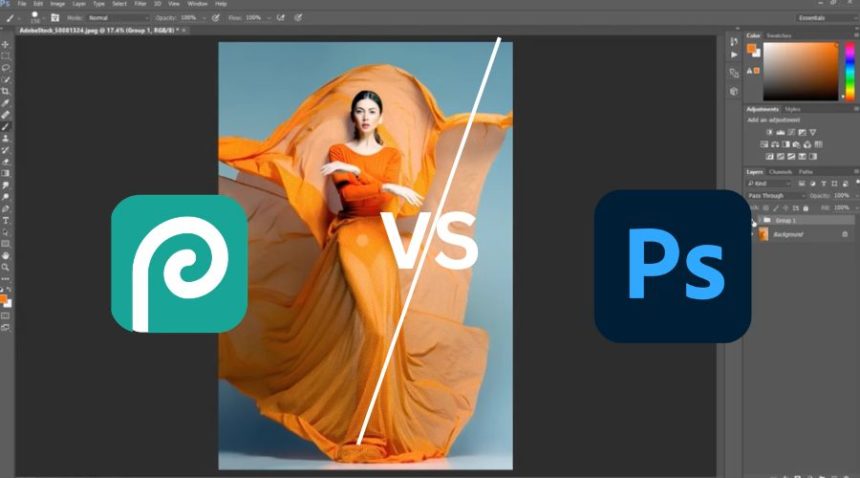
Choosing the right photo editing software today depends on your budget, workflow, and level of expertise. Two popular tools often compared are Photopea and Adobe Photoshop.
While both offer similar interfaces and editing capabilities, they differ massively in power, performance, and pricing. Photopea is a free, browser-based alternative, whereas Photoshop is a professional industry-standard tool.
In this detailed comparison, we’ll break down everything so you can decide which one fits your needs.
Photopea vs Adobe Photoshop: Quick Overview
| Feature | Photopea | Adobe Photoshop | Winner |
|---|---|---|---|
| Primary Use | Online editing | Professional editing | Photoshop |
| Best For | Beginners, budget users | Professionals | Photoshop |
| Pricing | Free (ads) | Paid subscription | Photopea |
Key Insight:
Photopea is a free Photoshop-like tool in your browser, while Photoshop is a full-fledged professional software.
Features Comparison
| Feature | Photopea | Photoshop | Winner |
|---|---|---|---|
| Editing Tools | Advanced but limited | Extremely advanced | Photoshop |
| AI Features | Not available | Generative AI tools | Photoshop |
| Layer System | Strong (Photoshop-like) | Advanced | Photoshop |
| File Support | PSD, JPG, PNG | All formats + advanced | Photoshop |
| Plugins | Limited | Massive ecosystem | Photoshop |
Analysis
Photopea closely mimics Photoshop’s interface and supports PSD files with layers, masks, and blend modes.
However, Photoshop offers far more advanced tools, AI features, and plugin support, making it superior for complex projects.
Winner: Photoshop
Ease of Use: Which Is More Beginner-Friendly?
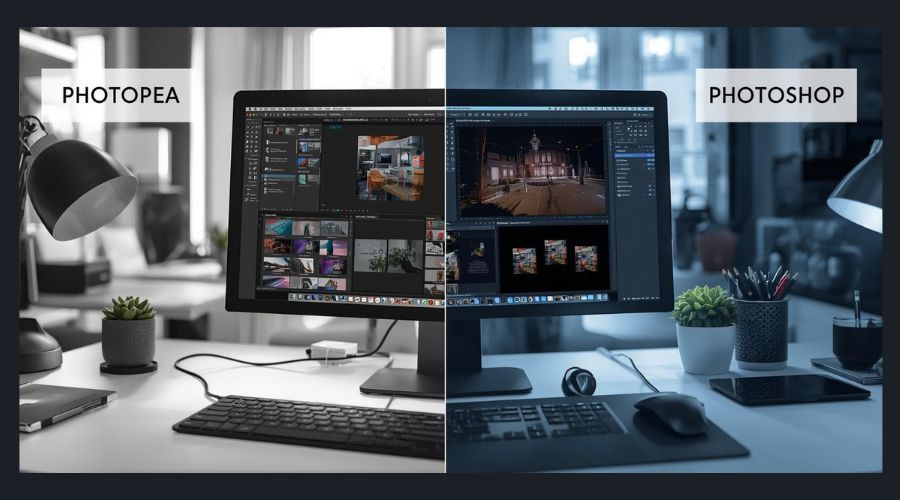
| Factor | Photopea | Photoshop | Winner |
|---|---|---|---|
| Interface | Familiar & simple | Complex | Photopea |
| Learning Curve | Low to moderate | High | Photopea |
| Accessibility | Browser-based | Software install required | Photopea |
Analysis
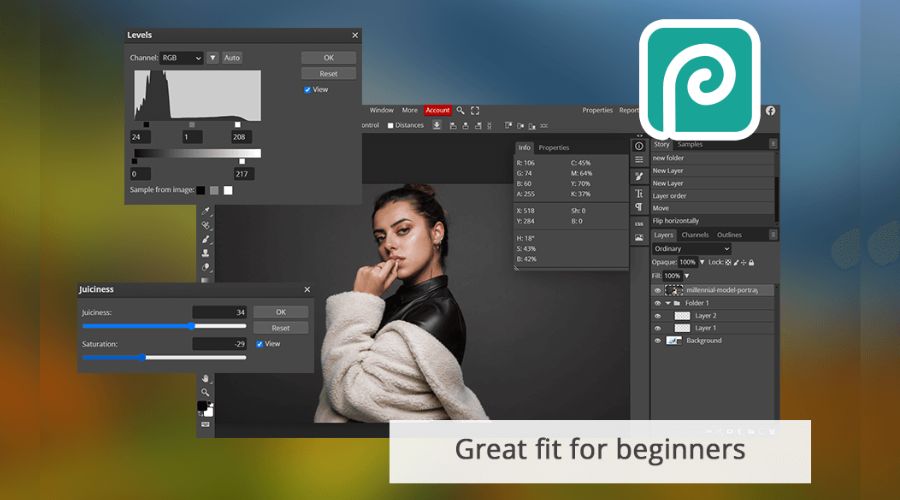
Photopea is easier to start with, especially for beginners or casual users. It runs directly in your browser with no installation required.
Photoshop has a steep learning curve due to its advanced features and complexity.
Winner: Photopea
Performance & Workflow Efficiency
| Factor | Photopea | Photoshop | Winner |
|---|---|---|---|
| Speed | Fast (browser-based) | Stable & powerful | Depends |
| Large File Handling | Limited | Excellent | Photoshop |
| Workflow Efficiency | Basic | Advanced automation | Photoshop |
Analysis
Photopea works well for quick edits, but performance depends on browser and system memory. Large files may lag.
Photoshop handles high-resolution files and complex projects much more efficiently.
Winner: Photoshop
Image Quality & Editing Precision
| Feature | Photopea | Photoshop | Winner |
|---|---|---|---|
| Color Accuracy | Good | Excellent | Photoshop |
| Detail Control | Moderate | Superior | Photoshop |
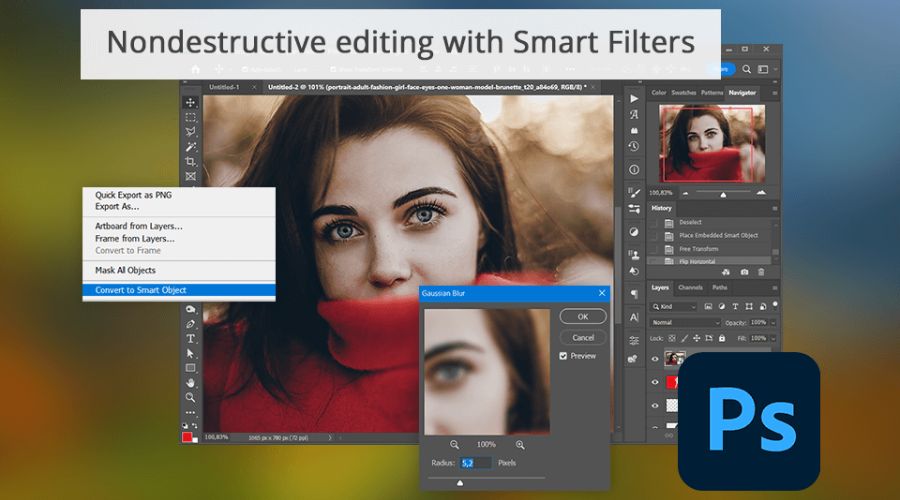
| Non-Destructive Editing | Limited | Advanced | Photoshop |
Analysis
Photopea can achieve good results for everyday tasks, but Photoshop provides professional-level precision, color grading, and non-destructive workflows.
Winner: Photoshop
Pricing Comparison
| Factor | Photopea | Photoshop | Winner |
|---|---|---|---|
| Pricing Model | Free (ads) | Subscription | Photopea |
| Cost | ₹0 | Paid monthly | Photopea |
| Value for Money | High (free users) | High (professionals) | Depends |
Analysis
Photopea is completely free with ads and offers a premium version at a low cost.
Photoshop is more expensive but provides unmatched professional capabilities.
Winner: Photopea
Real-World Use Cases
| Use Case | Best Choice | Reason |
|---|---|---|
| Quick Online Editing | Photopea | No install required |
| Professional Design | Photoshop | Advanced tools |
| Social Media Graphics | Photopea | Fast & free |
| Photo Retouching | Photoshop | Precision editing |
| Freelance Projects | Photoshop | Industry standard |
Pros and Cons (Side-by-Side)
| Category | Photopea | Adobe Photoshop |
|---|---|---|
| Pros | • Free to use • No installation required • Supports PSD files • Works on any device |
• Industry-standard software • Advanced tools & AI features • High-quality output • Powerful workflow |
| Cons | • Limited advanced features • Ads in free version • Slower with large files |
• Expensive subscription • Steep learning curve • Requires powerful system |
Final Winner Breakdown
| Category | Winner |
|---|---|
| Overall Flexibility | Photoshop |
| Ease of Use | Photopea |
| Features | Photoshop |
| Performance | Photoshop |
| Pricing | Photopea |
Final Verdict: Which One Should You Choose?
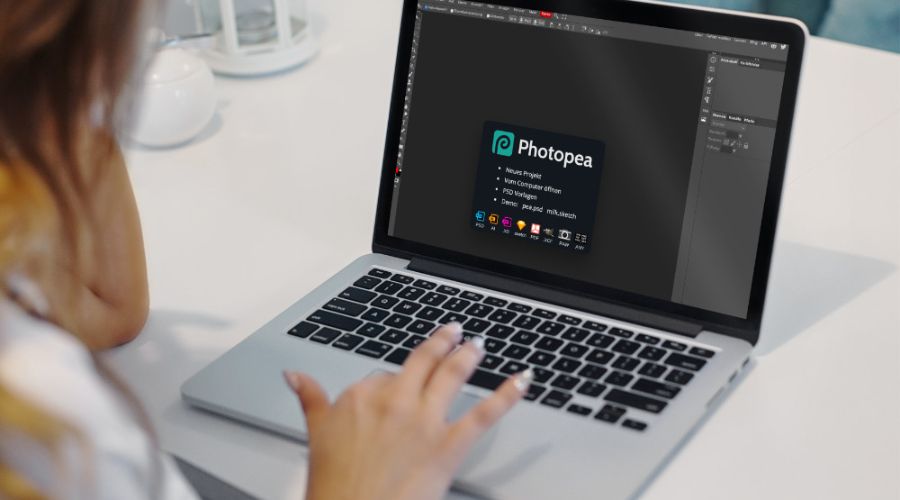
Choosing between Photopea and Adobe Photoshop depends on your needs.
Choose Photopea if:
- You want a free tool
- You need quick online editing
- You don’t want to install software
Choose Photoshop if:
- You are a professional designer or photographer
- You need advanced editing and AI tools
- You work on complex or commercial projects
Conclusion
When comparing Photopea and Adobe Photoshop, the real difference lies in depth vs accessibility.
Photopea is an excellent choice for users who want a free, browser-based solution that gets the job done quickly. It’s perfect for basic edits, social media graphics, and even working with PSD files without installing heavy software. For students, freelancers, or anyone on a budget, it offers incredible value.
On the other hand, Photoshop is built for serious creative work and professional output. With its advanced tools, AI-powered features, and unmatched editing precision, it provides a level of control that Photopea simply cannot match. It’s the go-to choice for designers, photographers, and agencies who need reliability and top-tier results.